Purchasing a Figabytes eSIM is a simple online process that takes just a few minutes. Once purchased, your eSIM is delivered digitally, allowing you to install it on your compatible device and get ready for your trip without visiting a store or handling a physical SIM card.
This guide walks you through how to buy a Figabytes eSIM step by step.
Before You Purchase
Before buying an eSIM, please make sure:
Your device supports eSIM
Your device is unlocked
You know your travel destination and dates
Confirming these details helps ensure you choose the right plan.
Step-by-Step: How to Purchase a Figabytes eSIM
Step 1: Visit the Figabytes Website
Go to figabytes.com using your browser.
Step 2: Choose Your Destination
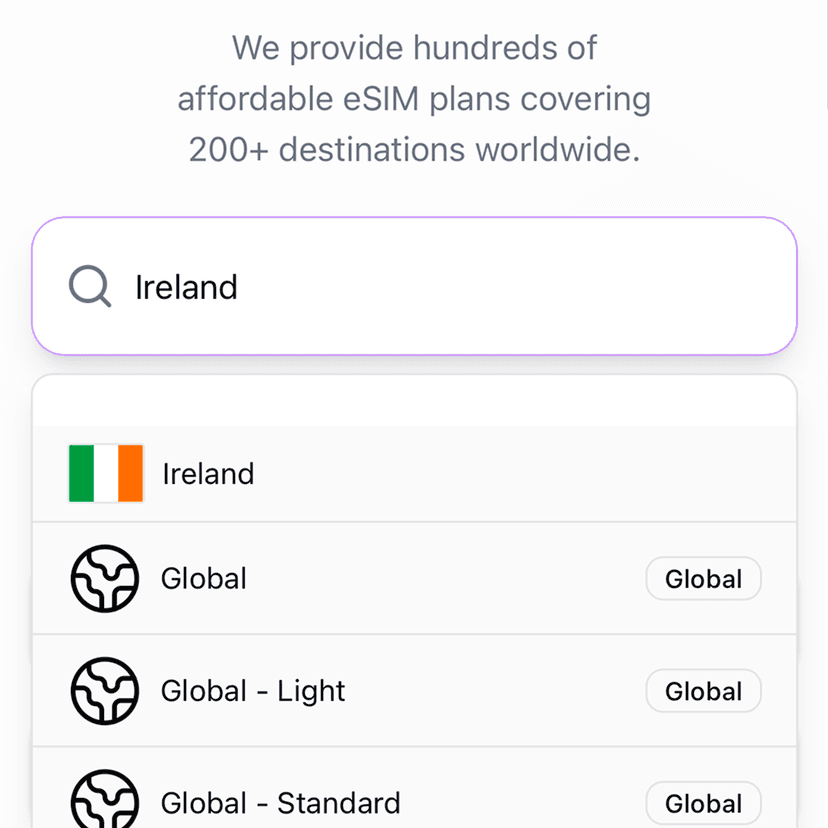
Browse or search for your destination country or region.
You can select:
A single-country plan
A regional plan
A global plan (for multi-country travel)
Step 3: Select a Data Plan
Choose a plan based on:
Data allowance
Validity period
Travel duration
Review the plan details carefully before continuing.
Step 4: Add the Plan to Your Cart
Once you’ve selected your plan, add it to your cart and proceed to checkout.
Step 5: Sign In or Create an Account
To complete your purchase:
Sign in to your Figabytes account, or
Create a new account if you don’t have one
This allows you to access your eSIM details after purchase.
Step 6: Complete Payment
Choose your preferred payment method and complete the checkout securely.
After successful payment:
You’ll receive a confirmation email
Your eSIM details will be available in your account
What Happens After Purchase?
After purchasing your eSIM:
Your eSIM is delivered digitally
You’ll receive installation instructions
You can install the eSIM immediately or later
Installing early helps ensure a smooth setup.
Can I Purchase an eSIM Before Traveling?
Yes.
You can purchase your Figabytes eSIM any time before your trip and install it in advance. Installing early does not usually activate your data plan.
Need Help Choosing a Plan?
If you’re unsure which eSIM plan is best for your destination or usage needs, the Figabytes support team is happy to help.