Figabytes offers eSIM data plans for many countries and regions worldwide. If you’re planning a trip and want to check whether your destination is covered, you can easily find available eSIM options directly on the Figabytes website.
This guide explains how to search for an eSIM, what to do if a country isn’t listed, and how to choose the best plan for your trip.
How to Find an eSIM by Destination
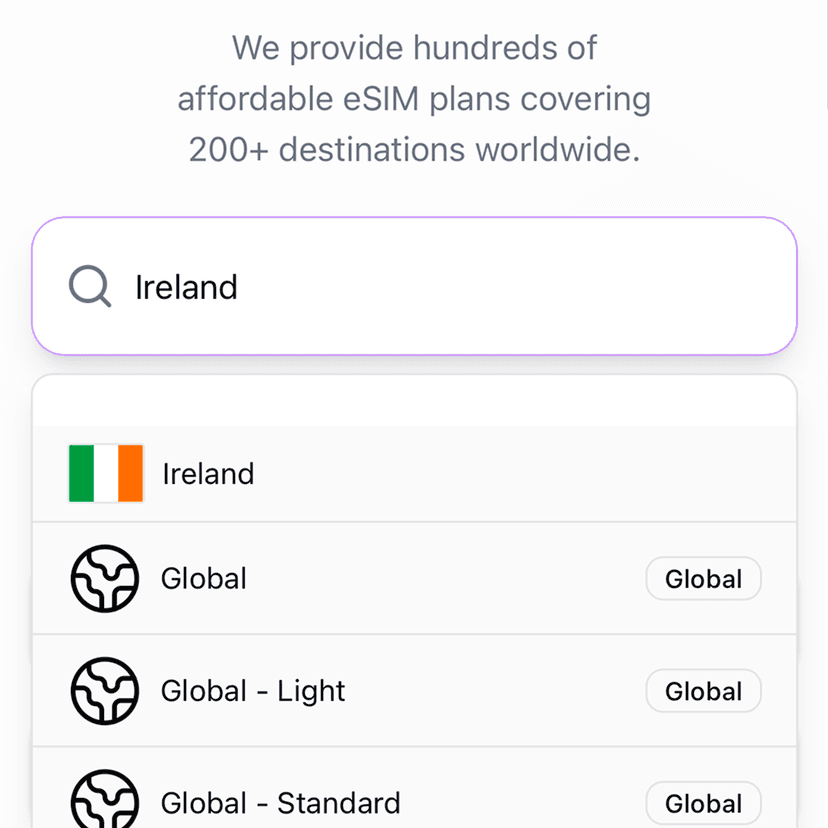
To check if Figabytes offers an eSIM for your destination:
Visit figabytes.com
Browse the list of available countries or regions
Select your destination to view available eSIM plans
If your destination appears, you’ll be able to see plan details such as data allowance and validity.
What If My Destination Is Not Listed?
If you don’t see your destination listed, it may be because:
The country is included in a regional plan
Coverage is temporarily unavailable
Network availability is limited in that location
In many cases, regional or global eSIM plans still provide coverage even if a country-specific plan is not shown.
Consider a Regional or Global Plan
If you’re visiting multiple countries or don’t see a single-country option, you may want to choose:
A regional eSIM covering nearby countries
A global eSIM covering multiple destinations worldwide
These plans are ideal for multi-country trips or flexible travel routes.
Does eSIM Availability Change?
Yes.
eSIM availability may change over time due to:
Network updates
Local operator capacity
Coverage expansions
If a destination isn’t available today, it may be added in the future.
Before Choosing an eSIM
We recommend confirming:
✔ Your destination is covered
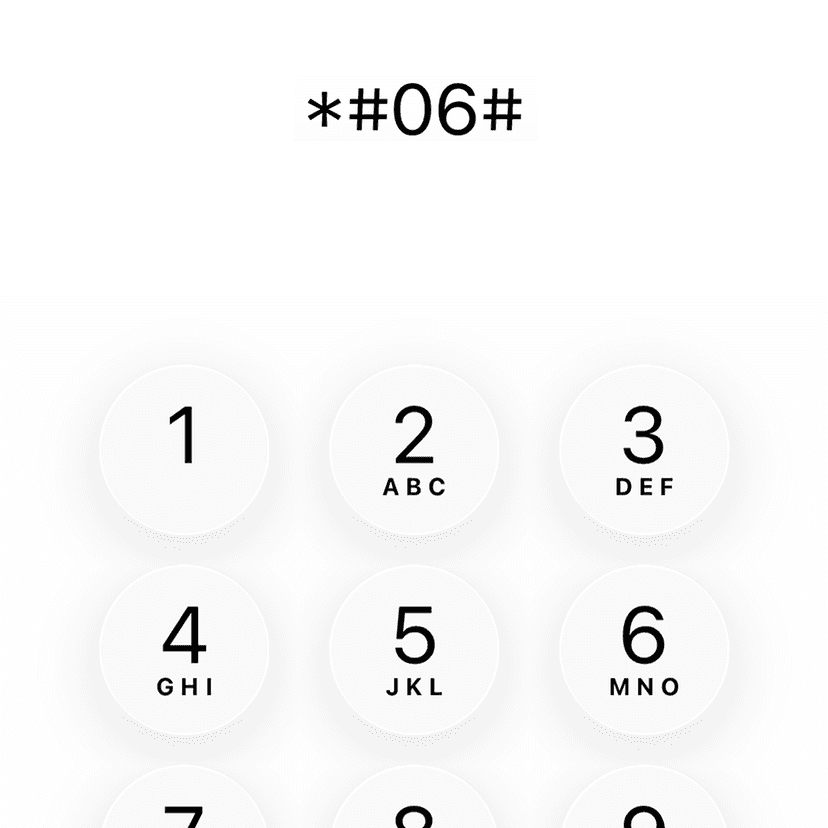
✔ Your device supports eSIM
✔ Your device is unlocked
✔ Your trip dates match the plan validity
This helps ensure a smooth experience while traveling.
Need Help Choosing the Right Plan?
If you’re unsure which Figabytes eSIM best fits your destination or travel needs, the Figabytes support team is happy to help you choose the right option.