Travel smarter
Blog
A wide range of topics on travel and eSIMs

A wide range of topics on travel and eSIMs
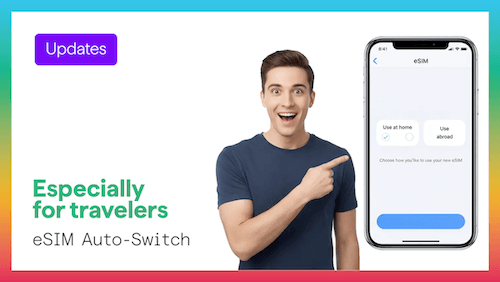
Learn how the iOS 26 eSIM auto-switching feature simplifies travel by automatically managing your home and Figabytes data lines. This update helps you avoid accidental roaming charges and maintain seamless connectivity while abroad.
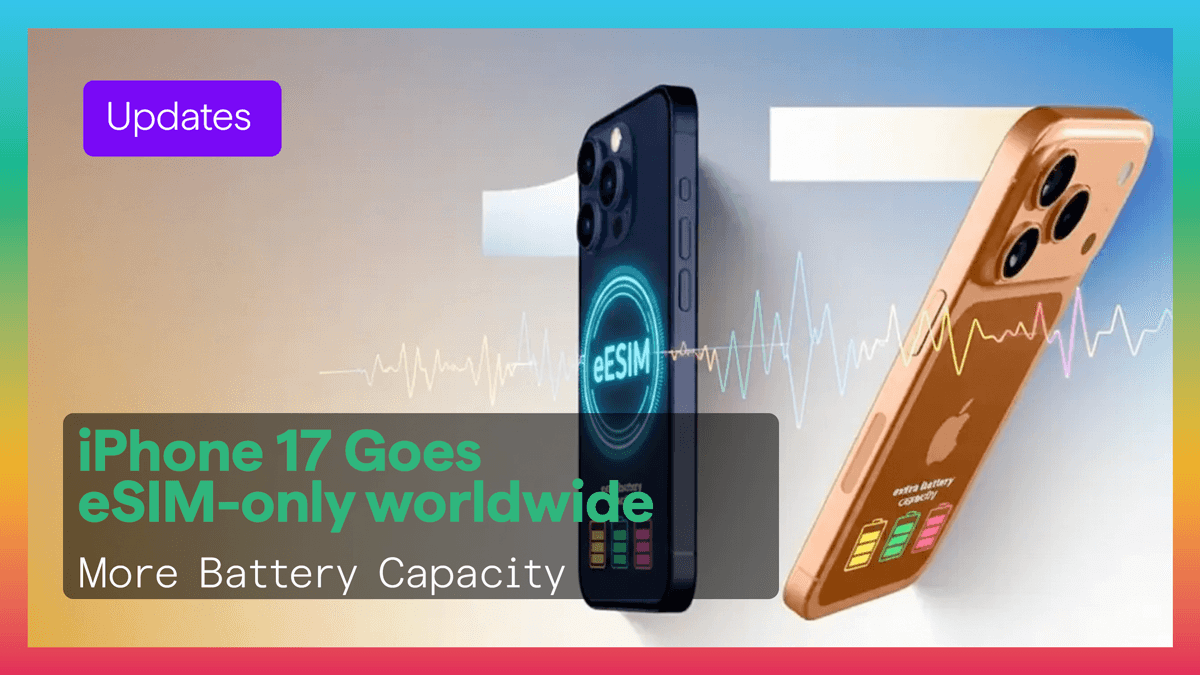
This article explores how the iPhone 17’s move to eSIM-only connectivity enhances travel through improved battery life and seamless digital setup. Learn how Figabytes supports this digital-first future with instant, roaming-free data plans in over 190 countries.
Explore the rapid growth of the global eSIM market and how it is revolutionizing international travel connectivity. This article explains why digital-first eSIM technology is becoming the new standard for smartphones and mobile data worldwide.
This comprehensive guide explains what an eSIM is, how it works, and why it’s a more convenient alternative to physical SIM cards for travelers. Learn about device compatibility and how to activate digital data plans instantly to stay connected globally.
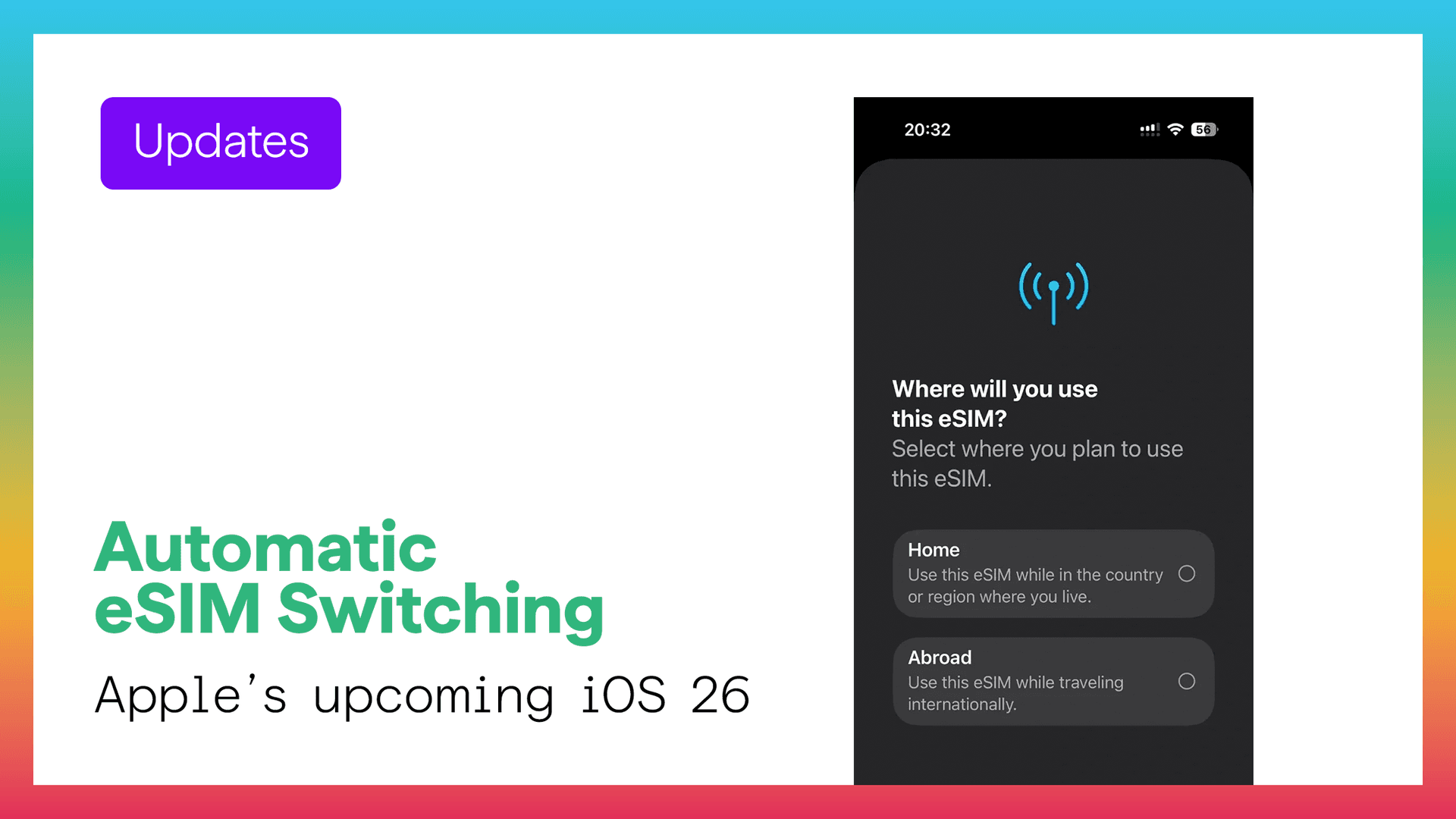
This article explains how iOS 26’s smarter eSIM auto-switching simplifies international travel by intelligently managing multiple mobile lines to avoid roaming fees and maintain reliable connectivity. It highlights how Figabytes users can benefit from a more seamless, automatic dual-SIM experience when moving across different countries.
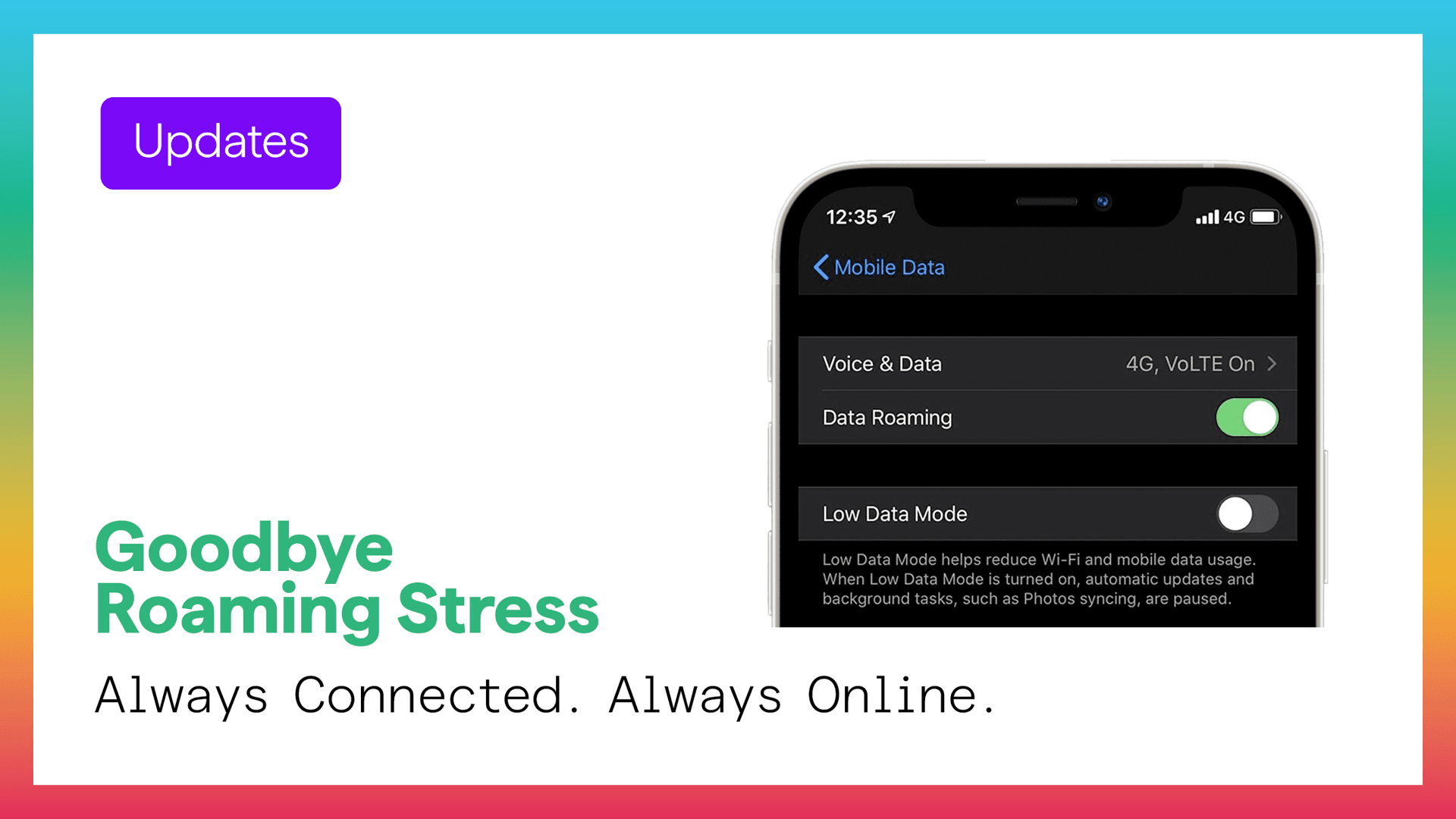
This article explores why instant mobile connectivity is now a travel necessity and how digital-first travelers are moving away from traditional SIM cards. Discover how Figabytes eSIM solutions provide a seamless, affordable way to stay connected in over 190 countries from the moment you land.
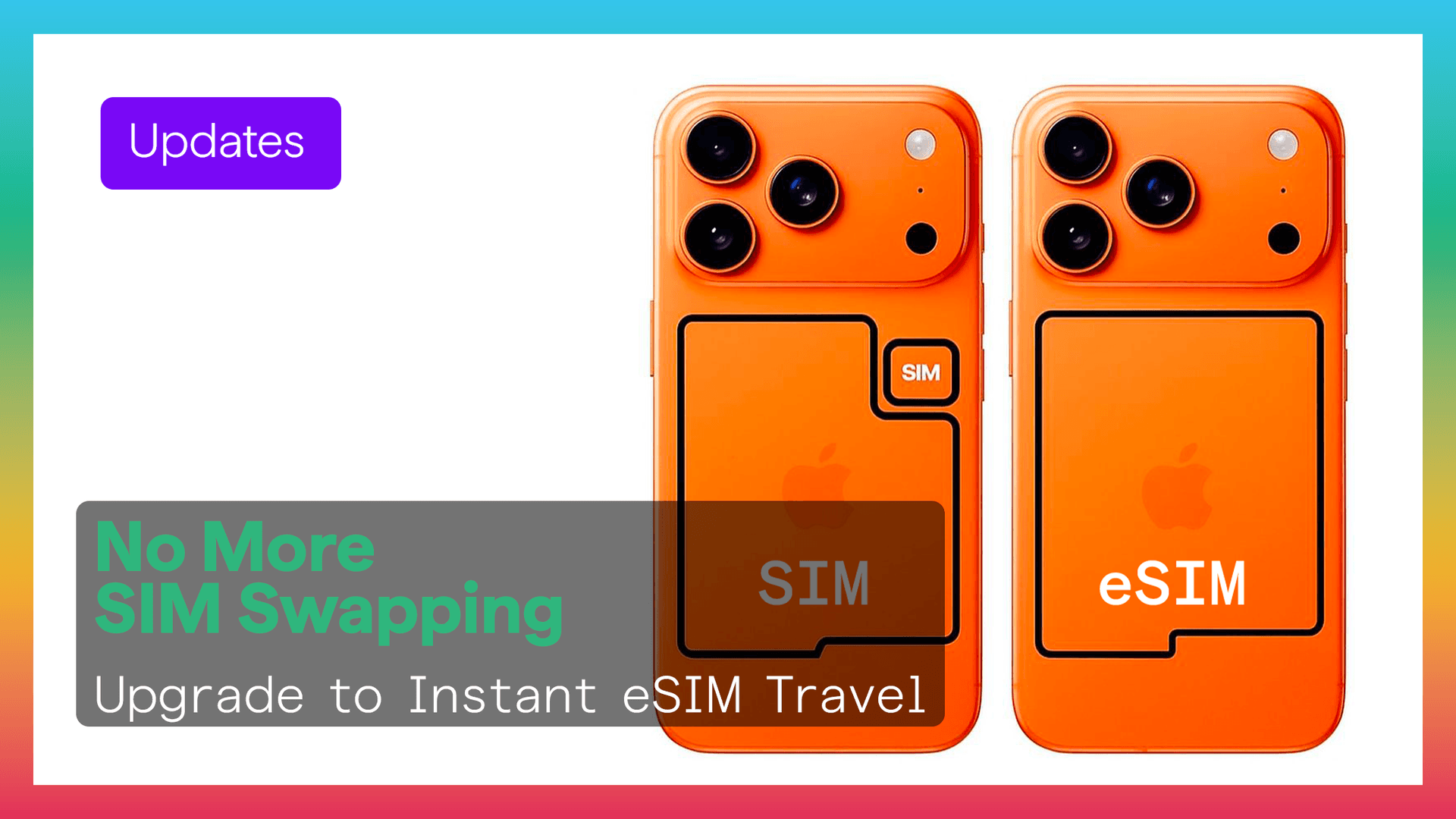
Learn the benefits of switching from a physical SIM to an eSIM on your iPhone, including enhanced security, easier travel connectivity, and the ability to manage multiple lines. This guide also provides simple steps for removing your old SIM card and activating a digital plan with Figabytes.
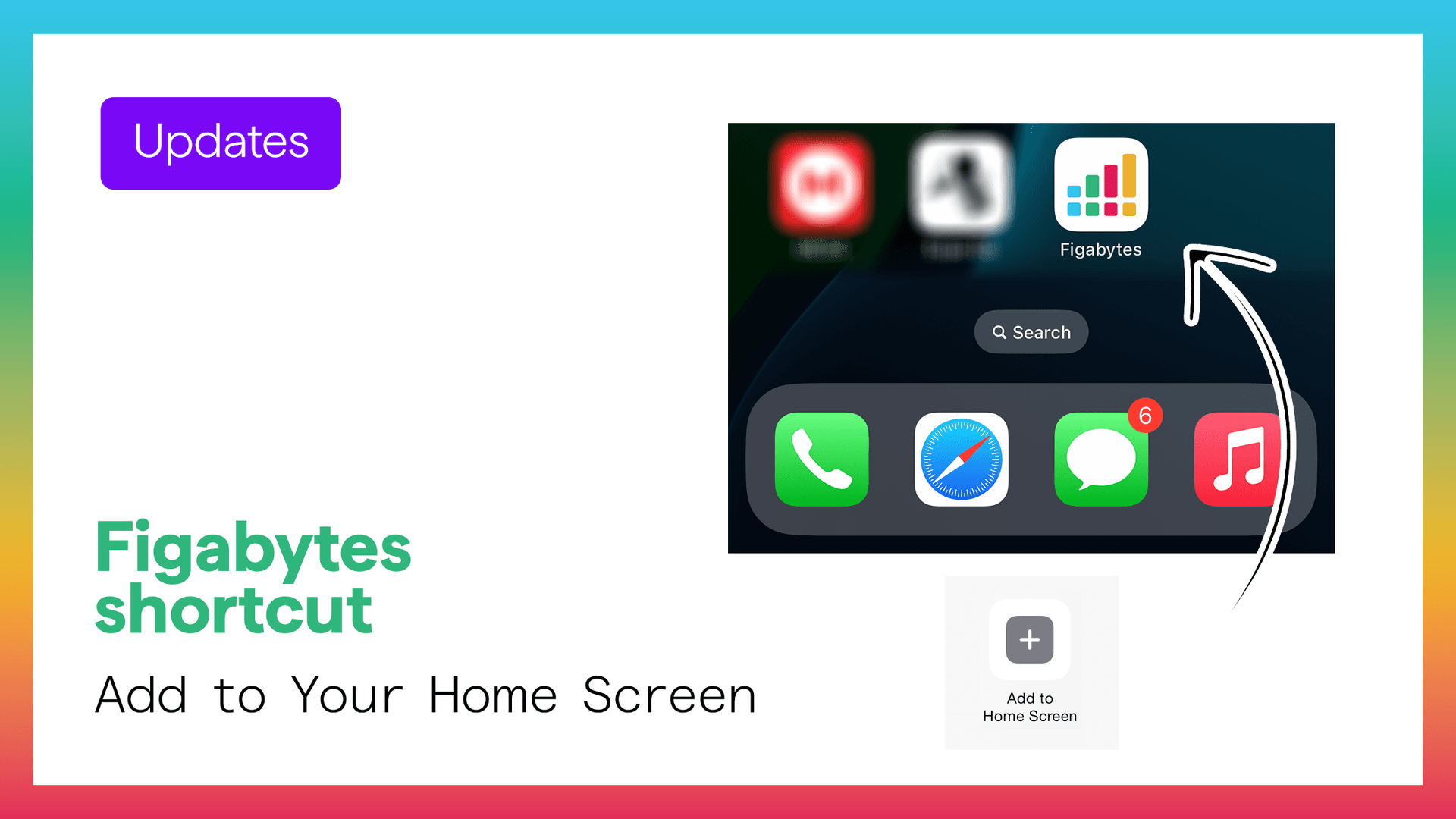
Learn how to add Figabytes to your iPhone Home Screen for quick, app-like access to your eSIM plans and dashboard. This guide provides step-by-step instructions for creating a shortcut using Safari to make managing your travel data easier.


