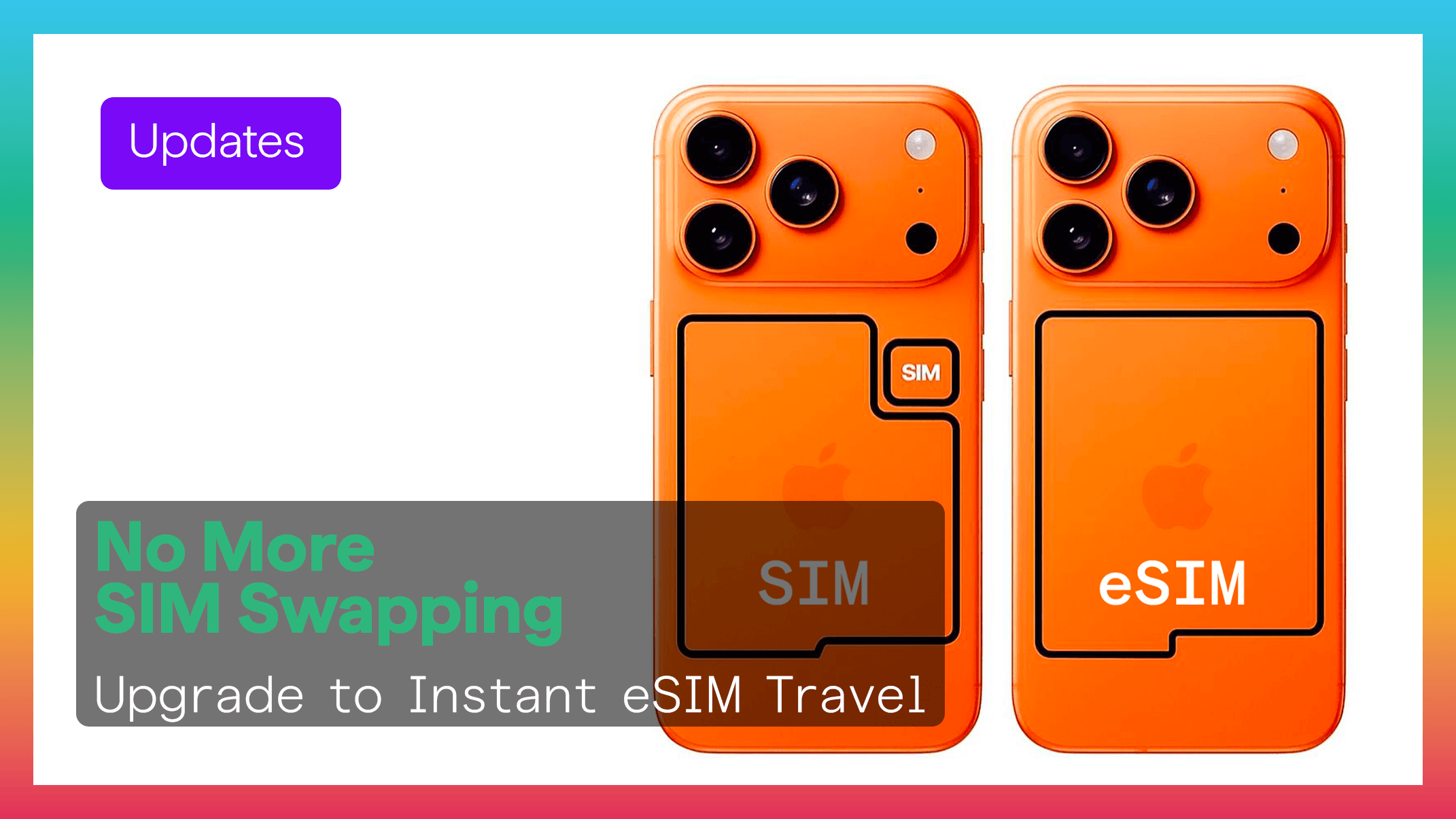
If you're still using a physical SIM card in your iPhone, you may be missing out on faster setup, better security, and a more modern travel experience. Today’s iPhones are fully optimized for digital eSIM technology, and many new models — especially in the US and soon globally — are removing the SIM tray entirely.
Here’s how to remove your old SIM card safely, and why switching to an eSIM from Figabytes (https://figabytes.com) is the smarter way to stay connected.
📱 How to Remove a SIM Card From Your iPhone
Before removing your SIM, make sure your device is turned off or at least not in an active call.
Step 1 — Locate the SIM Tray
Depending on the iPhone model, the SIM tray is usually located on the right-hand side of the device.
Step 2 — Insert the SIM Eject Tool
Use the SIM eject tool that came with your iPhone.
If you’ve lost it, a paperclip works too.
Press gently until the tray pops out.
Step 3 — Pull Out the Tray
Carefully remove the SIM tray and take out your physical SIM card.
Step 4 — Reinsert the Empty Tray
Slide the tray back into place.
Your iPhone is now physically SIM-free — ready for a fully digital experience.
📶 Why You Should Switch to eSIM Instead
Removing the SIM card is only step one. The real upgrade is switching to a digital eSIM, which offers major benefits for everyday use and travel.
1. Instant Setup — No More Shops or SIM Swaps
With an eSIM from Figabytes, you can install your mobile plan in seconds:
No stores
No physical card
No waiting
No tools
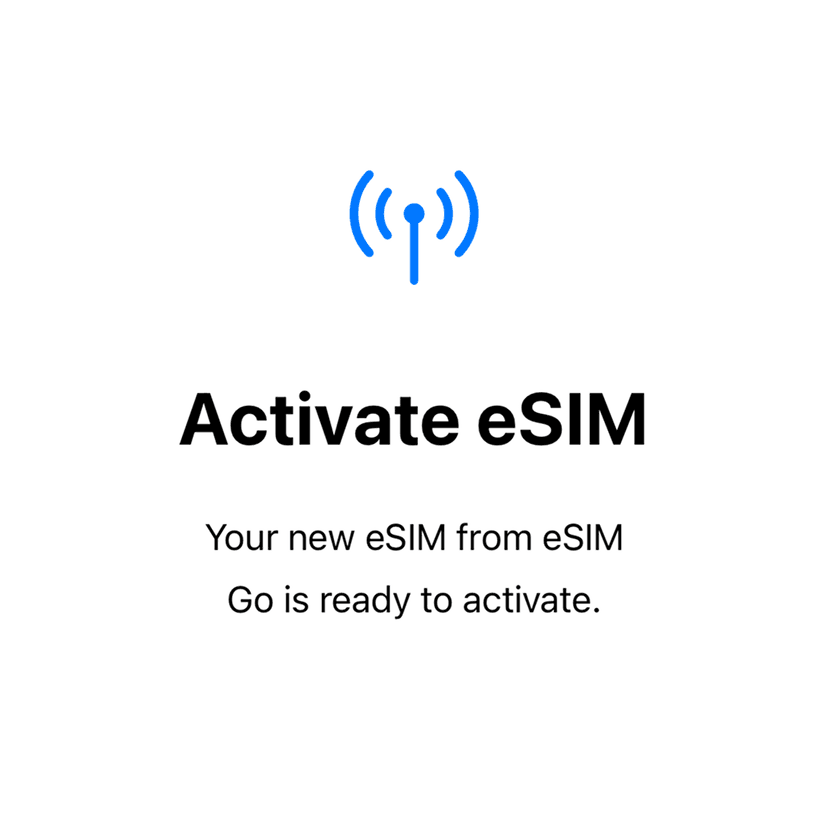
Just scan a QR code or click a link, and your device activates instantly.
2. Safer & More Secure
Physical SIM cards can be:
eSIMs cannot be taken out or tampered with, making your mobile identity far more secure.
3. Perfect for Travel — No Roaming Fees
Travelers used to land in a new country and immediately look for a SIM card shop.
Now, with Figabytes:
You install your eSIM before your trip
Activate it when you land
Avoid roaming charges entirely
Stay connected instantly
Travel becomes completely hassle-free.
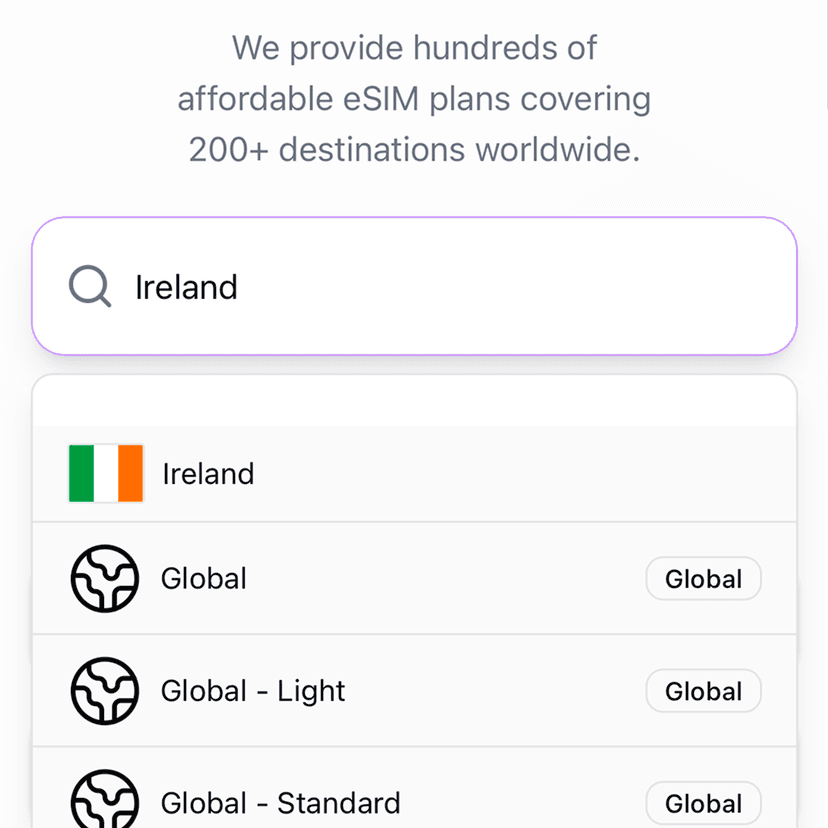
Explore global plans:
👉 https://figabytes.com
4. Use Multiple eSIMs at Once
Many iPhones now support numerous eSIM profiles, allowing you to keep:
Switching between them takes one tap — no physical swapping needed.
5. More Devices Are Going eSIM-Only
Apple is leading the industry into a SIM-tray-free future:
Android manufacturers are following.
Switching now prepares you for the future — and keeps your device fully compatible.
6. Better Connectivity & Automatic Switching
With the newest iOS versions (like iOS 26), your iPhone can:
Automatically choose the best eSIM
Switch between networks while traveling
Enable roaming only when needed
Prevent accidental use of your home SIM abroad
Your phone becomes smarter about staying connected.
✨ Why Figabytes Is the Better eSIM Experience
Figabytes offers:
Coverage in 190+ countries
Instant QR or link installation
Regional bundles (EU, Asia, Middle East & more)
Unlimited & high-GB plans
No contracts, no paperwork
24/7 support
It’s the easiest upgrade any traveler can make.
Explore your destination here:
👉 https://figabytes.com
🎉 Final Thoughts
Removing your physical SIM card is more than a simple hardware change — it’s the gateway to a better, simpler, and fully digital mobile experience. With eSIM technology growing rapidly and new iPhone models going eSIM-only, now is the perfect time to switch.
And with Figabytes, upgrading to an eSIM takes seconds and works everywhere your journey takes you.